Update to firmware 1.21 ... Much more functionality than 1.11
Anyways, this is how you do it:
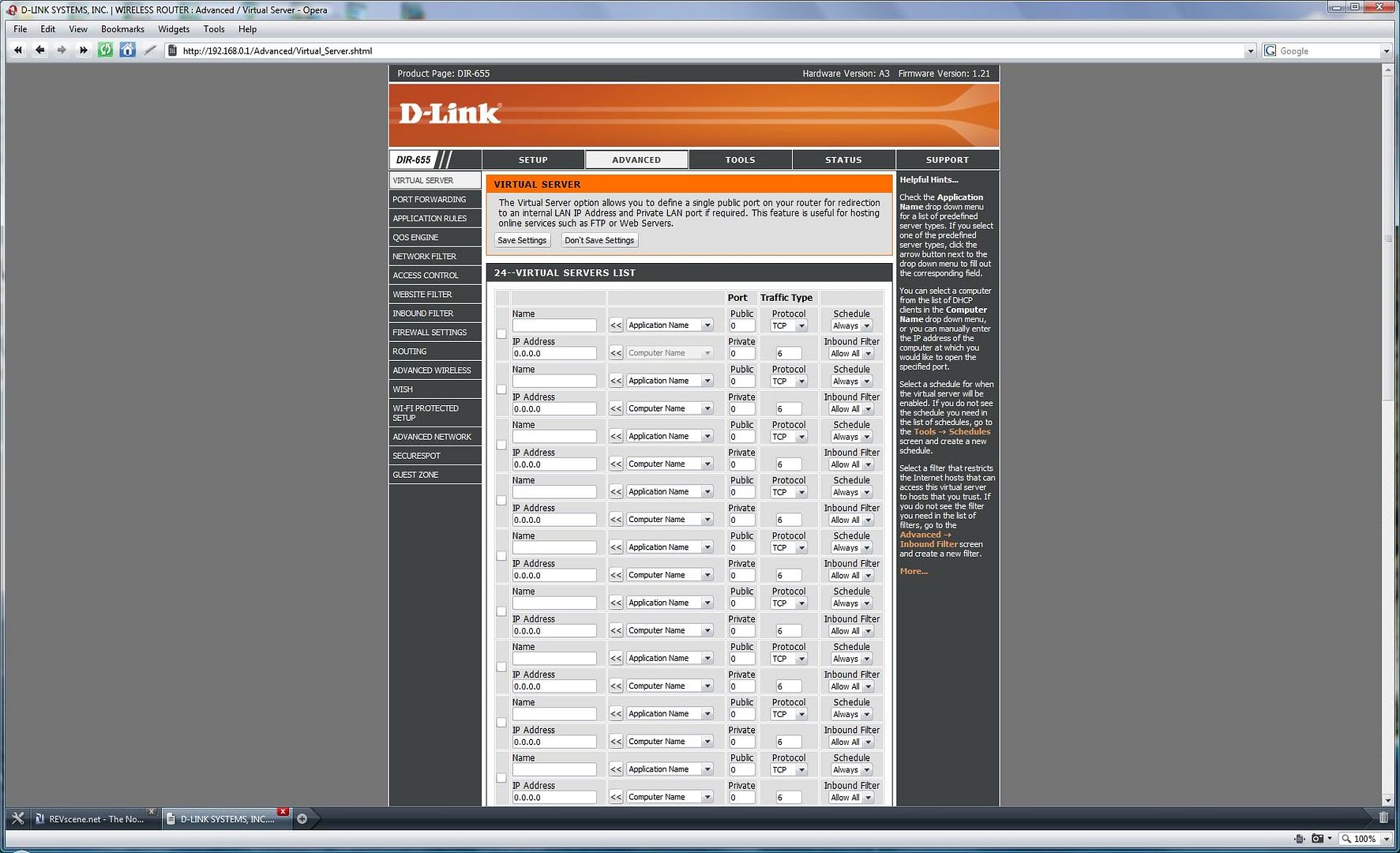
Go to your advanced tab in router setup -
Open your QoS Engine -
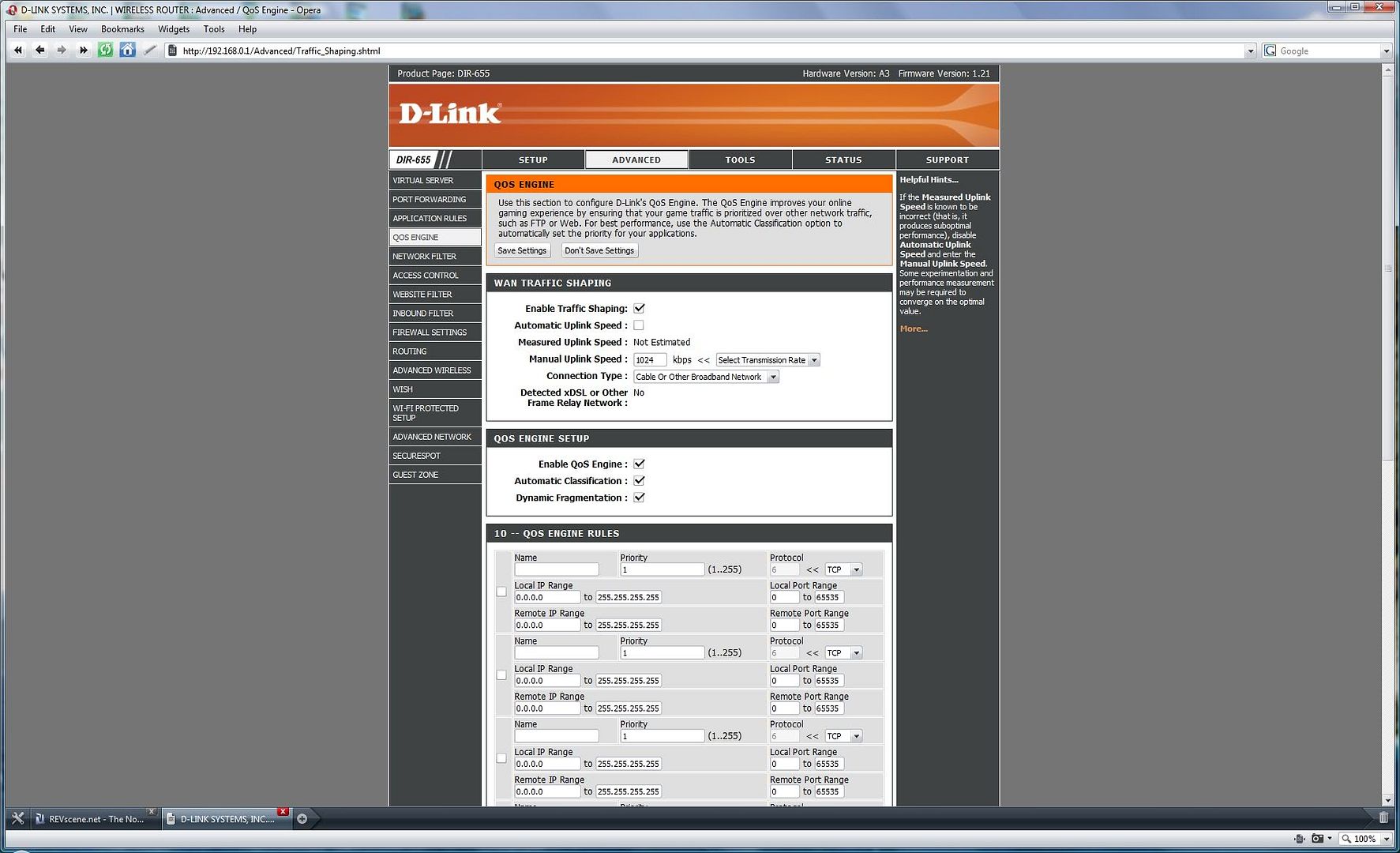
Add your IP Address (It's best to use a static IP for yourself at the highest or lowest value) and then add everyone else's IP addresses -
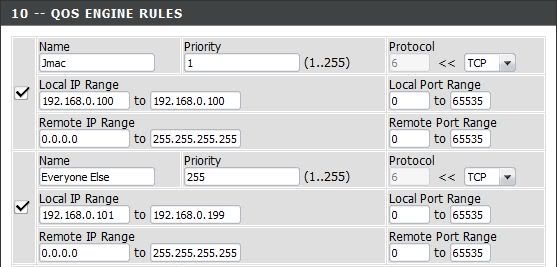
I gave myself a static IP (192.168.0.100) and assigned myself 1st priority. I assigned everyone else (192.168.0.101 through 192.168.0.199) the lowest (255th) priority.
You can assign Static IP addresses by clicking on the Setup tab at the top, selecting Network Settings, then using Add DHCP Reservation (Select your computer name, choose an IP address, click Save, reboot). I recommend either 192.168.0.100 or 192.168.0.199 so you can use a range for the rest like I did.